

“I started at Miro, there was a lack of research structure, so I took on our research ops initiatives, creating a playbook and whatnot. Great Question is built for the new generation of researchers.”

Josh MoralesUX Research Manager, Miro

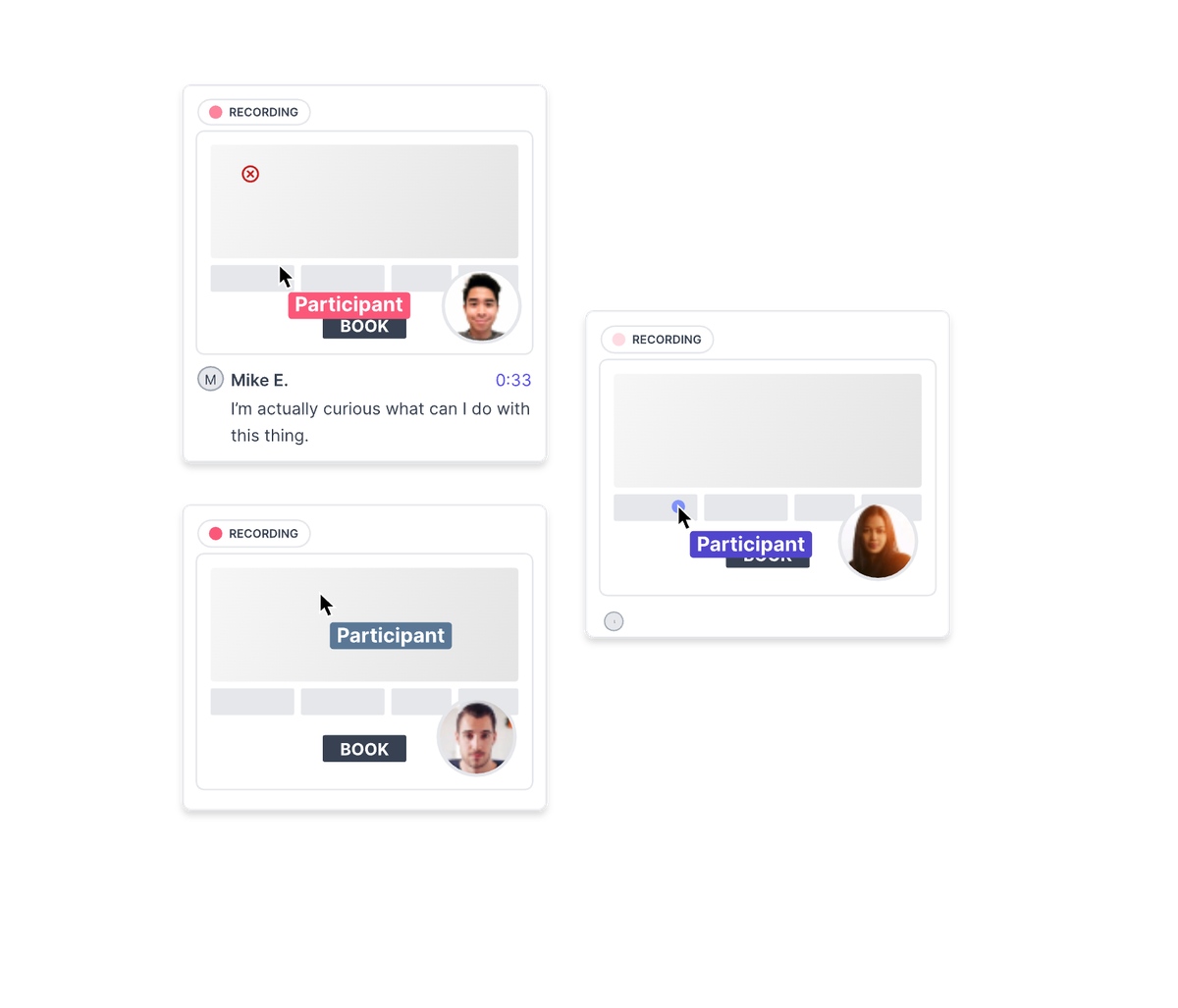
Run unmoderated usability tests on prototypes, Figma prototypes, AI-created prototypes from Claude and other AI tools, websites, or any user flow async, on desktop or mobile. Spot friction fast, get AI-powered summaries, and ship with confidence.
Trusted by 300+ customer-obsessed teams

 4.7 rating
Validate flows and experiences before you build. Define your goal and get an AI-drafted study in minutes. Watch users interact with clickable prototypes in their natural workflow. Run short video interviews or surveys to uncover friction. Keep continuous usability feedback flowing into every sprint.
Get feedback from the people who matter most. Reach target users by role, company, or product behavior. Share a simple self-serve link for quick signups. Access a global B2B and B2C panel when you need broader reach. Screening, scheduling, and incentives handled automatically.
Explore recruitment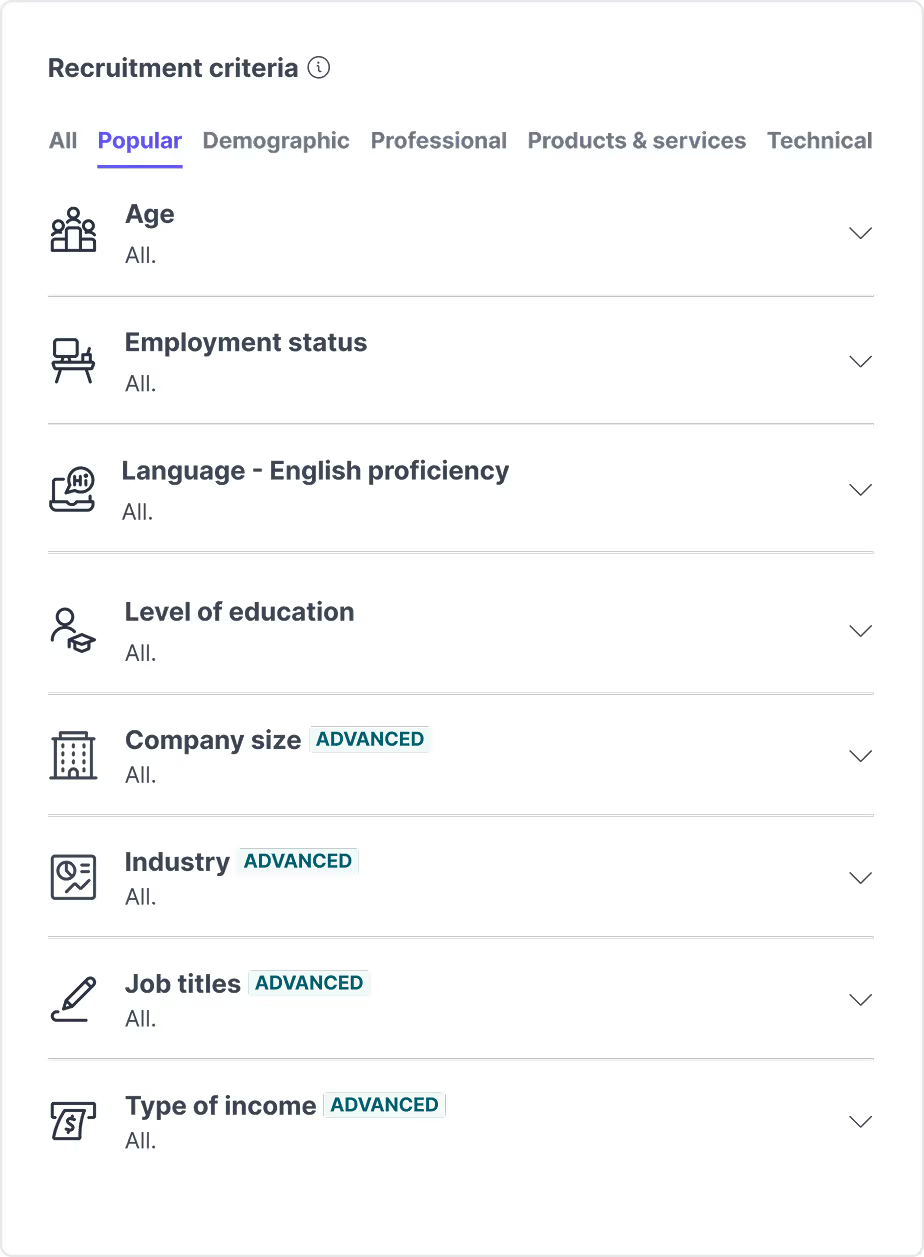
Bring design decisions to life across your team. AI-generated summaries and structured findings. Highlight reels and user clips that make feedback impossible to ignore. Search across sessions or your design research history with AI. Shareable outputs that align design, product, and engineering.
Explore AI Repository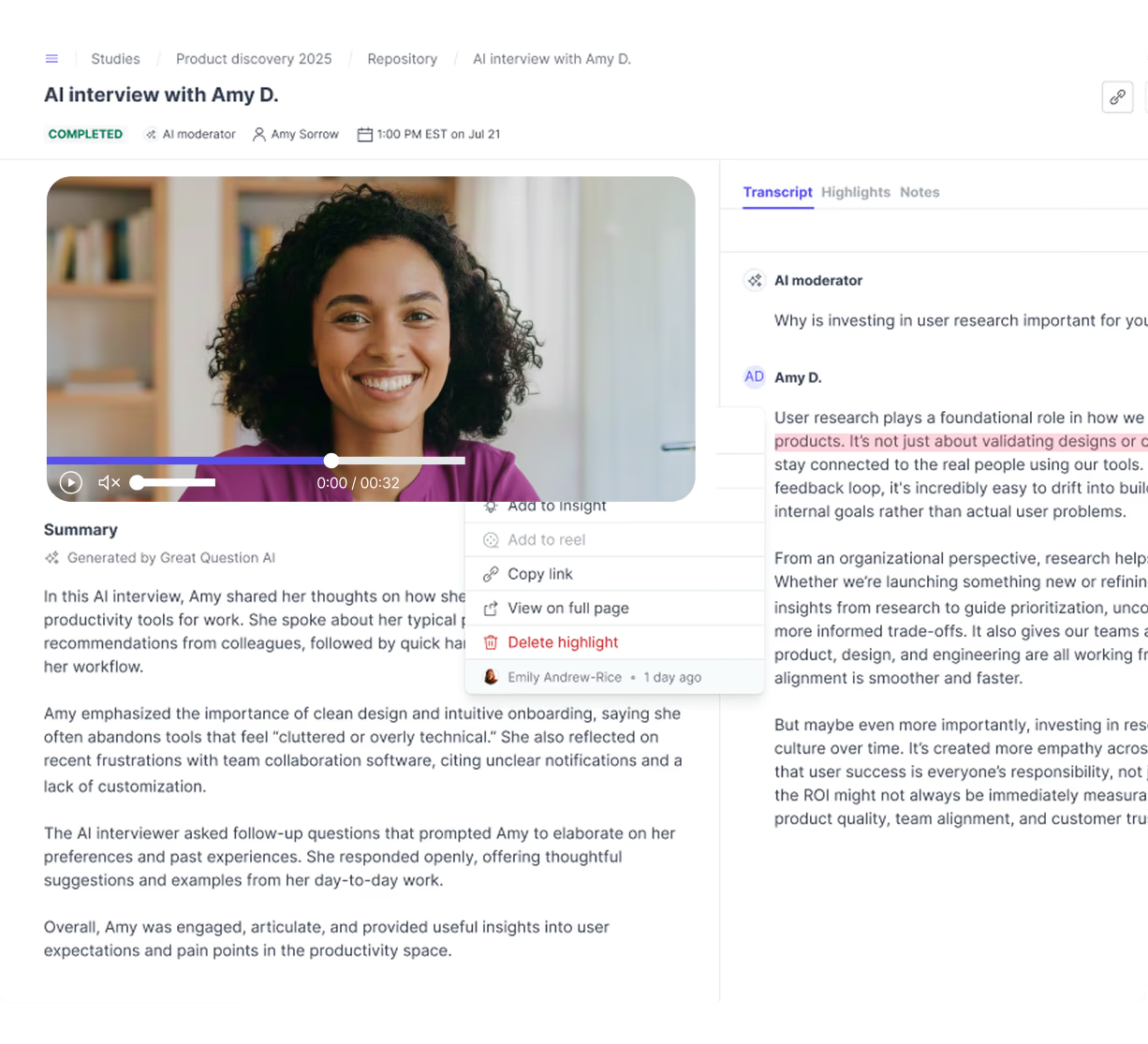
The AI moderator watches the participant's screen and asks about what they do, not only what they say.Explore agentic AI moderation
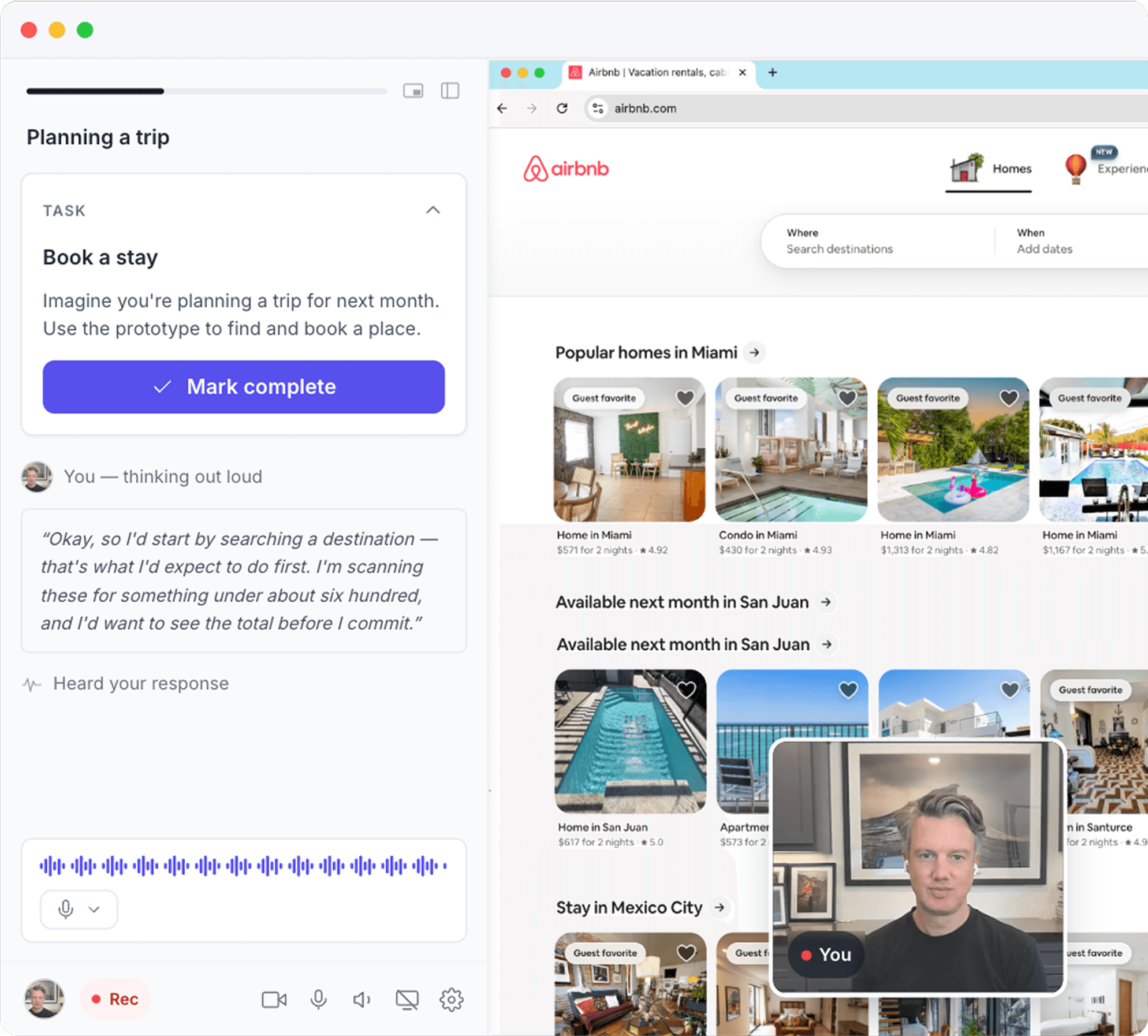
Test Figma prototypes, AI-generated prototypes from Lovable, v0, Replit and Claude apps, or a live website. Paste the URL and add your tasks.
The moderator sees the screen and probes on behaviour as it happens: a hesitation, a wrong turn, a skipped step.
Sites that can't be embedded open in a new tab, with a floating panel that keeps the task and the conversation on screen.
Every session comes back with video and a speaker-labelled transcript, ready to tag, clip and query alongside the rest of your research.
Connect Figma or upload assets.
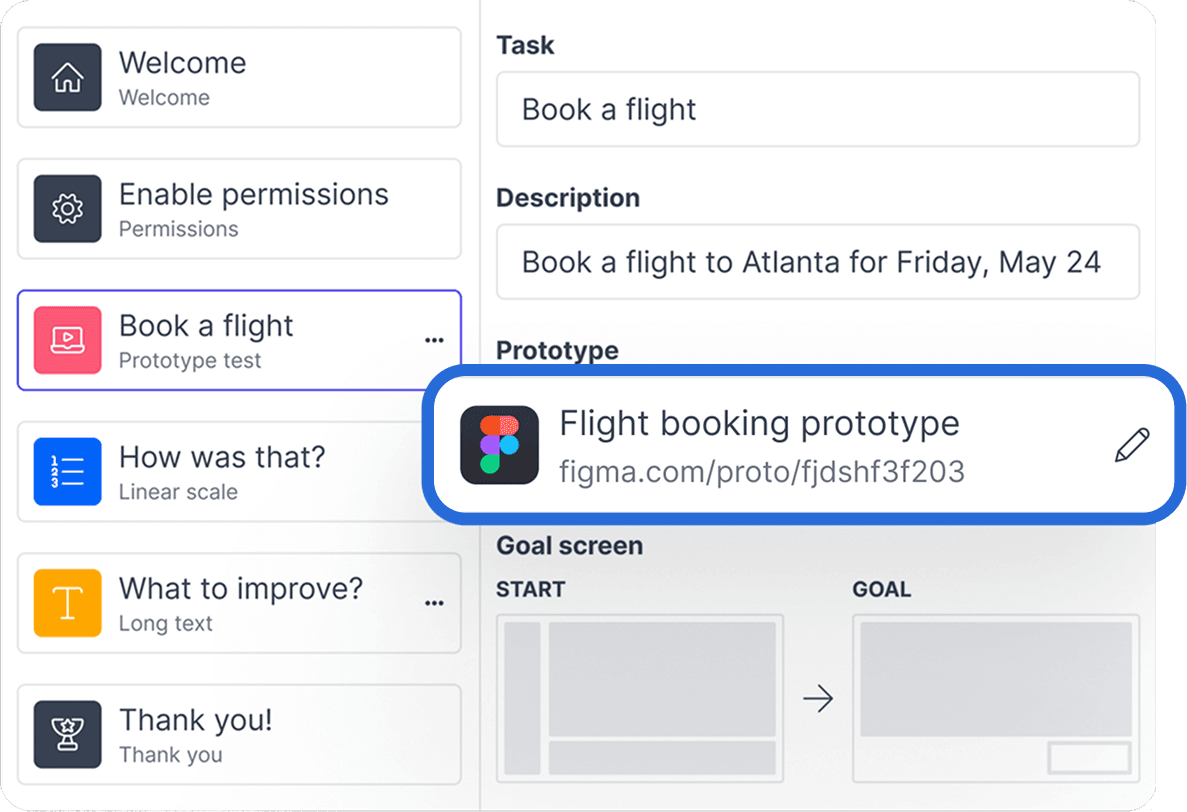
Questions and flow created in minutes.
Explore AI Interviews AI drafts your study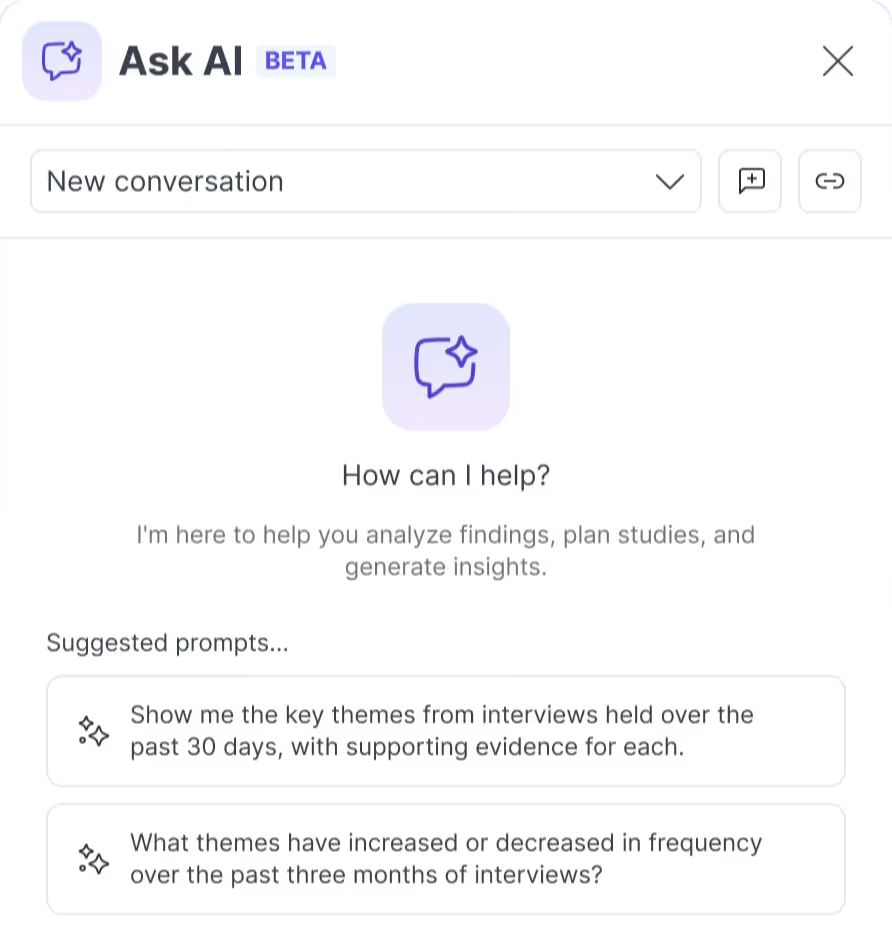
Use your customers or tap the panel.
Explore Panel Management Recruit participants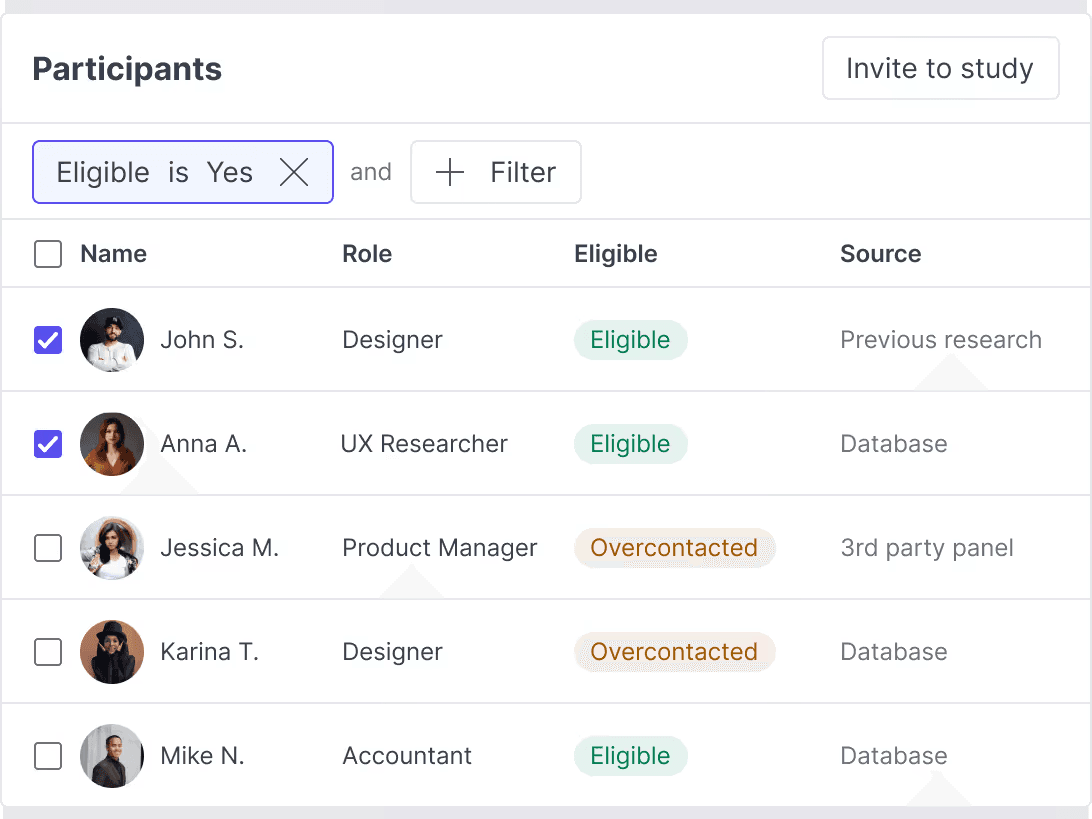
Video, audio, and screen share included.
Explore Interviews Capture usability sessions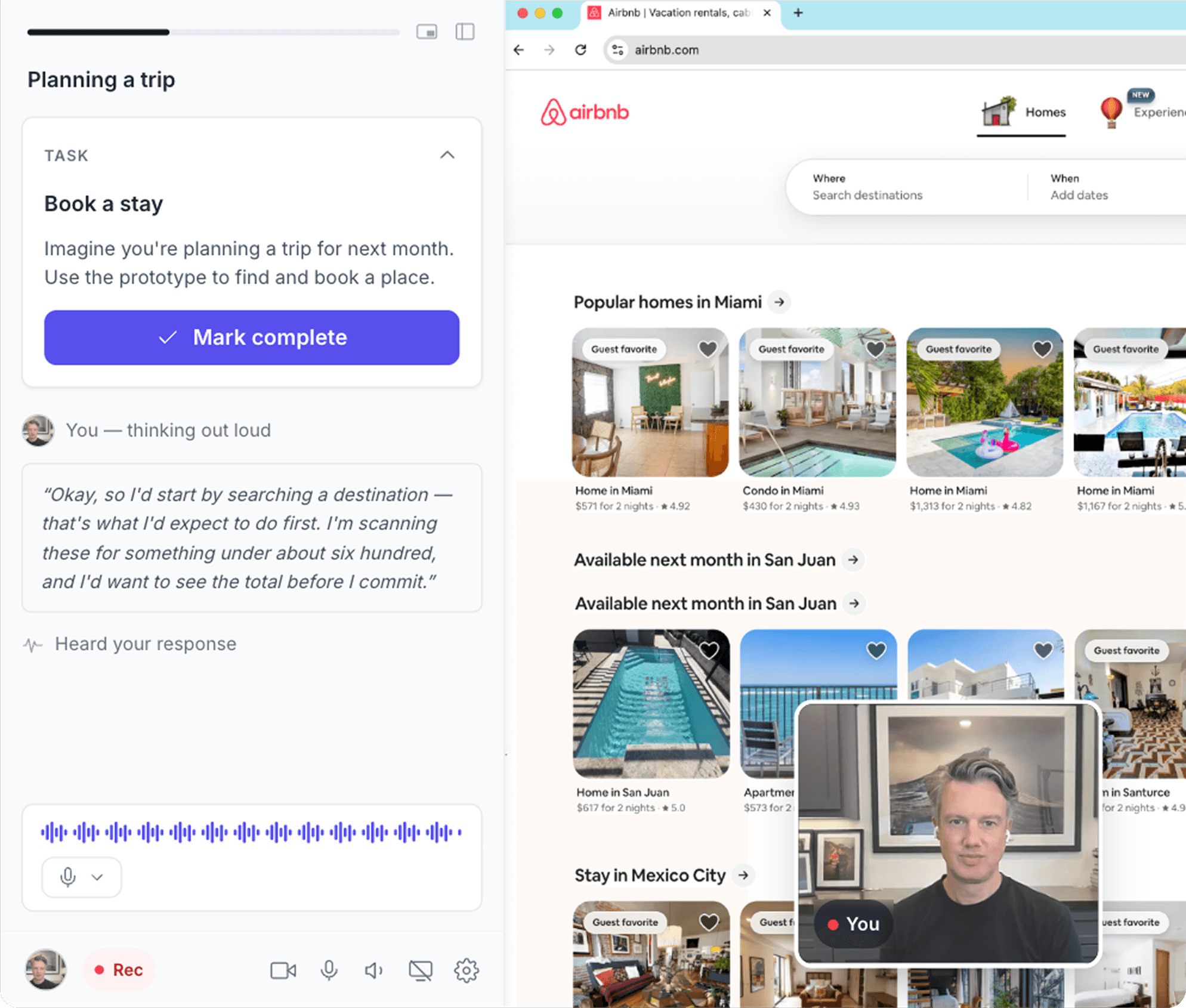
AI highlights themes and creates clips for crits.
Explore AI Repository Synthesize instantly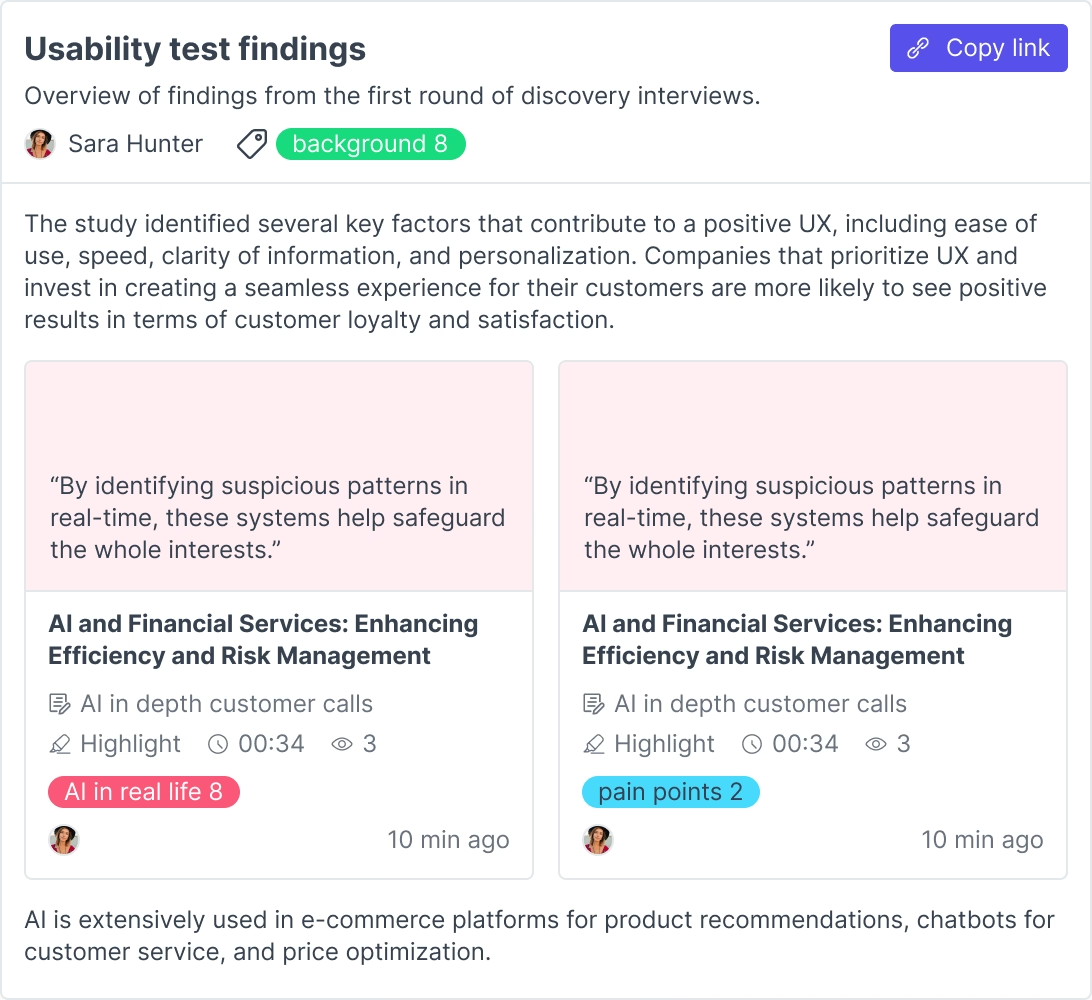
View prototype performance at a glance
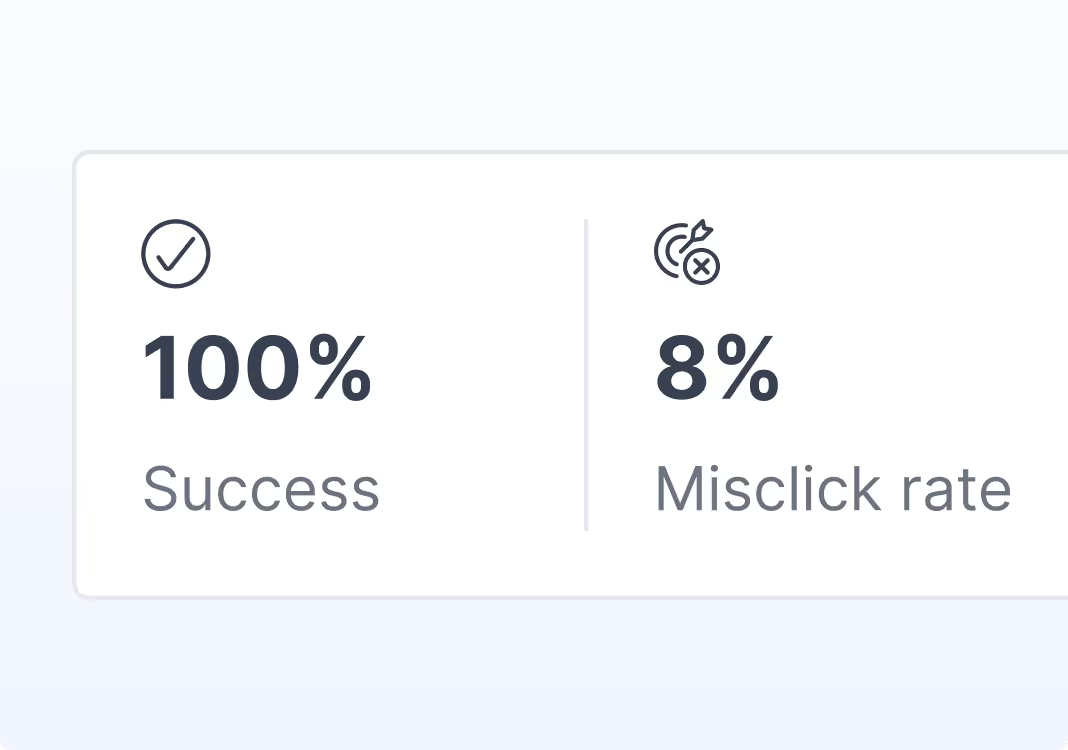
Track key usage metrics such as success rate, average duration, and misclick rate.
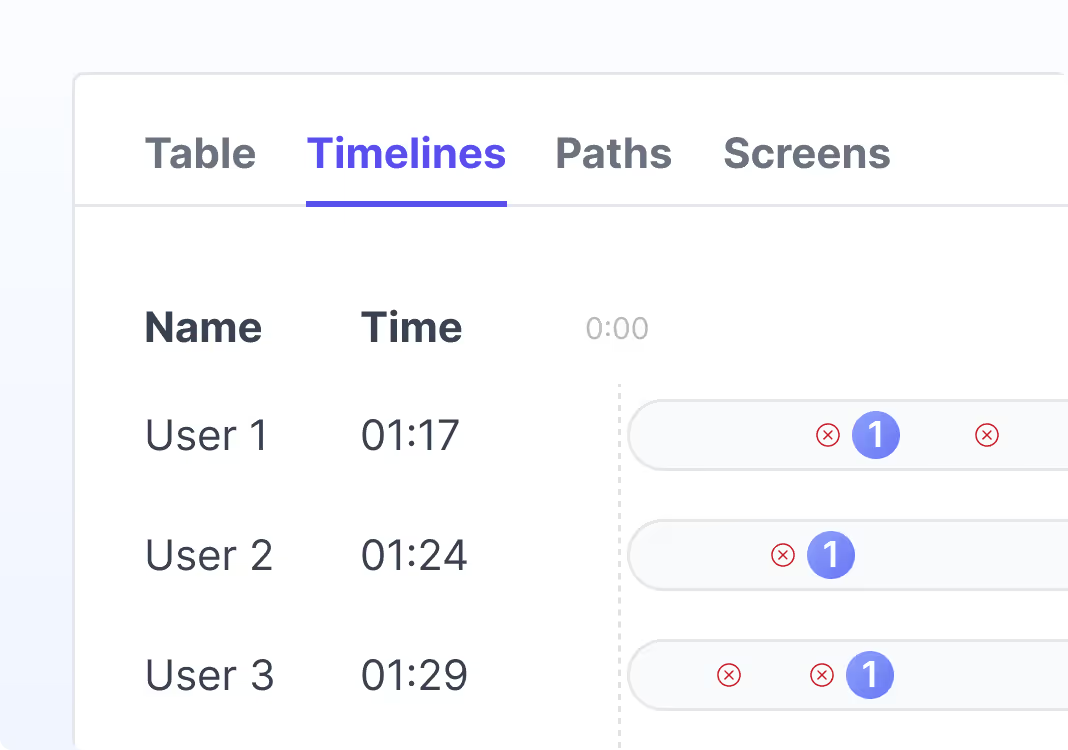
See how long each screen took for users and areas where they had the most difficulty.
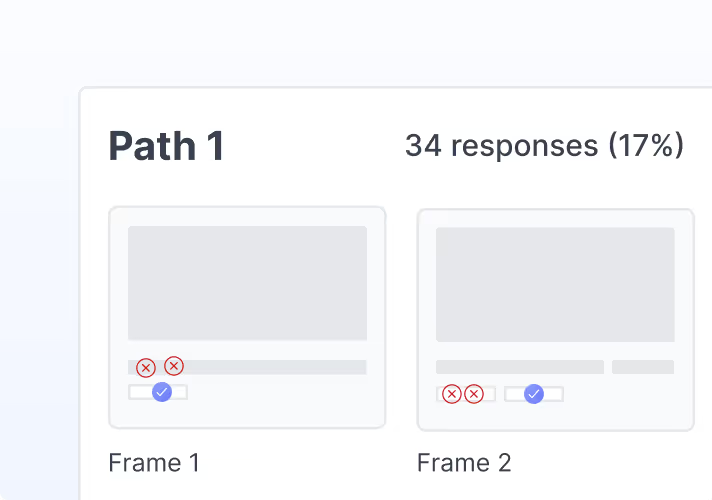
Identify the different routes users took to the target screen and view click maps for each.
Play back videos so you can watch and listen to people use your prototypes.
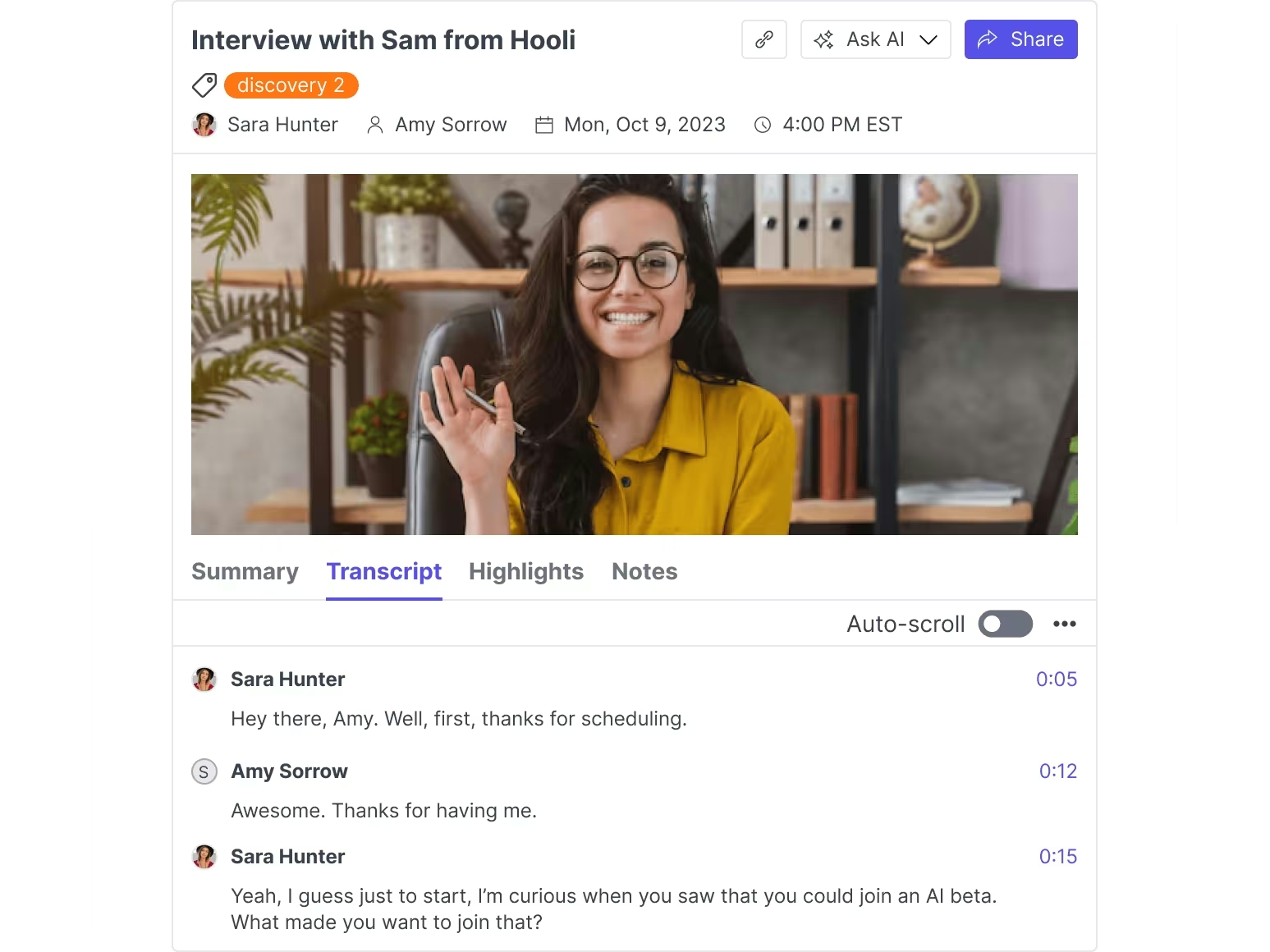
Get accurate transcription of users thinking aloud in over 30 languages.
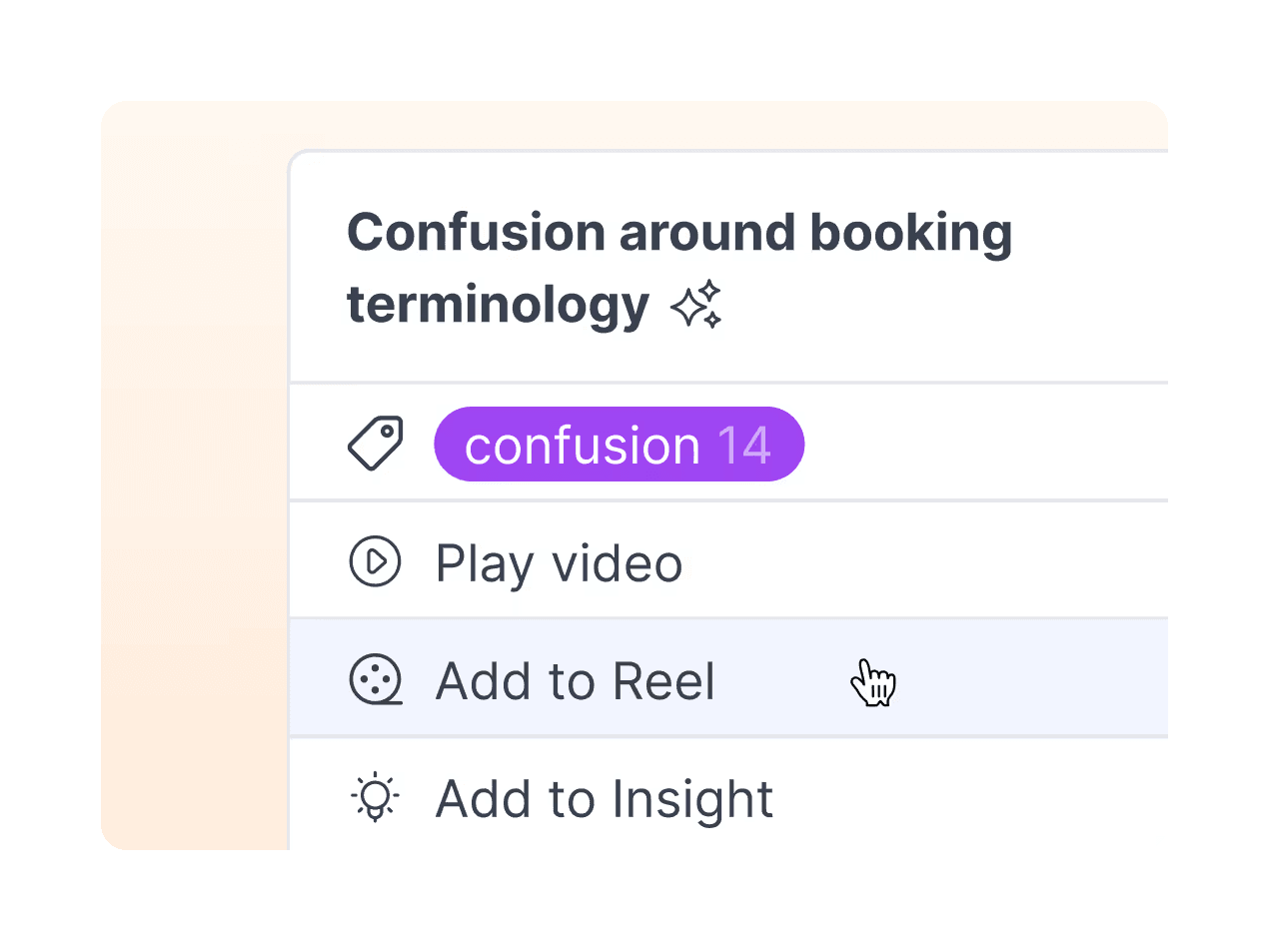
Clip key quotes and moments to turn into reels to share with your team.
Give Claude, ChatGPT, or Cursor direct access to your research repository. One connection to all your customer insights.
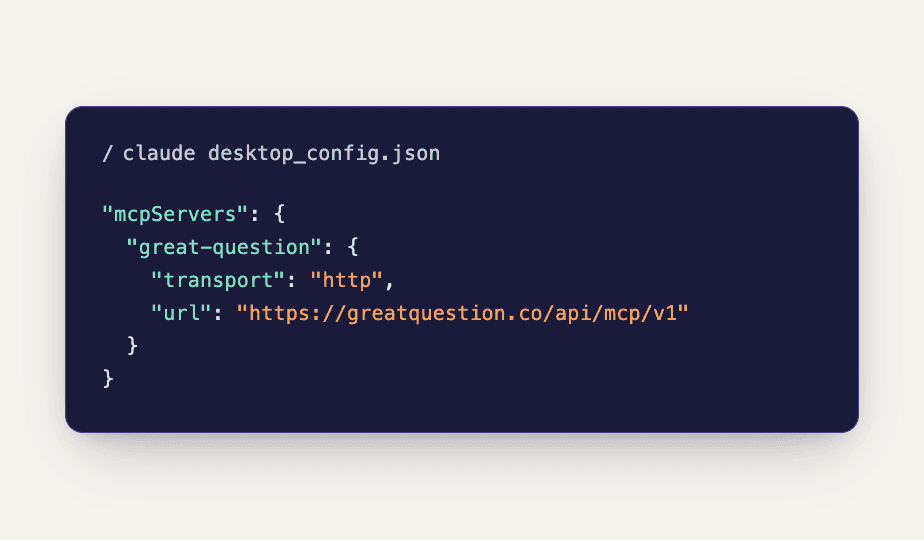
claude mcp add --transport http great-question https://greatquestion.co/api/mcp/v1
“The unmoderated functionality is freaking AWESOME. It allowed my team to quickly get feedback on a small thing that would have otherwise taken a lot of time and money with another tool.”


“I started at Miro, there was a lack of research structure, so I took on our research ops initiatives, creating a playbook and whatnot. Great Question is built for the new generation of researchers.”
“We'd have to employ somebody to do it because the amount of admin work it would create. That avoided cost alone makes Great Question worth paying for, let alone the less tangible but significant benefit of higher quality and faster turnaround on research.”


“Great Question has been instrumental in democratizing our user research practice…”


“The combination of calendaring and scheduling with the templates and the repository solves all of our biggest research pain points. It’s our hub for research.”


“Great Question has lived up to our expectations across the board and honestly exceeded some, especially with ease of use.”


“Recruiting research participants from Respondent was insanely easy and having this inside Great Question saved a lot of time.”


“I would recommend Great Question for anyone who wants to get their customers voice into their design process. Great Question makes it super easy and efficient by keeping everything from screener questions to responses and participants in one place.”


“Now our researchers can actually self-service and do their own recruitment, which really opens up our research operations team to focus on continuing to build our panel of enterprise users instead of doing the day-to-day recruitment.”


“Great Question is the most advanced tool that I have seen so far to improve your research operations, and manage research projects and participants.”


“Recordings of discovery work… are extremely difficult to locate, if at all possible.”


“Recruiting from Respondent’s panel right in Great Question allows us to screen and invite reliable candidates to our studies faster than other panels we’ve used.”


“Great Question is the only truly end-to-end research platform built with enterprise-grade governance in mind…”


“Before we brought on Great Question… The number of people comfortable running research grew from single digits to over 100 people…”


“We’re able to self-serve the entire research process, from pushing our data in and managing email outreach to conducting interviews and paying incentives.”


“I really like how I can choose to blast out 100 recruitment emails all at once… That’s flexibility I didn’t have before with UserTesting.”


“It’s really great for participant recruitment, which was a big hole in our process… Great Question has streamlined it for us.”


“Within a matter of 5-7 minutes I have a study built and recruiting for me. It’s awesome! I no longer have to jump between tools to build a study, recruit and incentivize participants. I can do it all in one place, really simply.”