Set-and-forget recruitment
Continuous customer discovery for your whole team
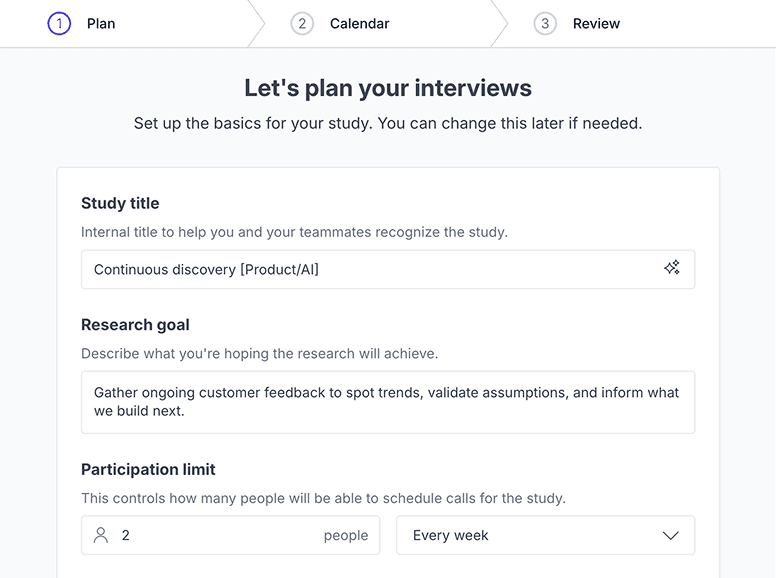
Set up your shortlist, calendar, and invitation once. Talk to your customers as often as you want.
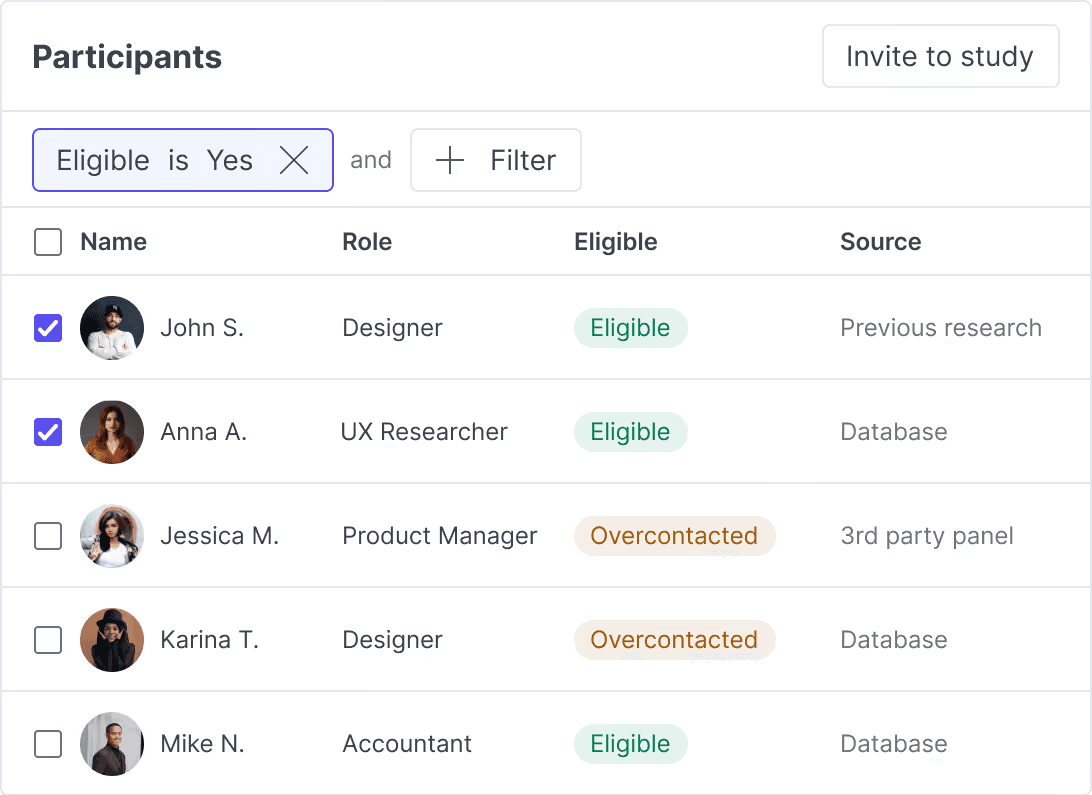
Set up your shortlist once & toggle on continuous invites
Automatically restart sending invites if slots on your calendar open up. (Don’t worry – you’ll get notified ahead of time.)
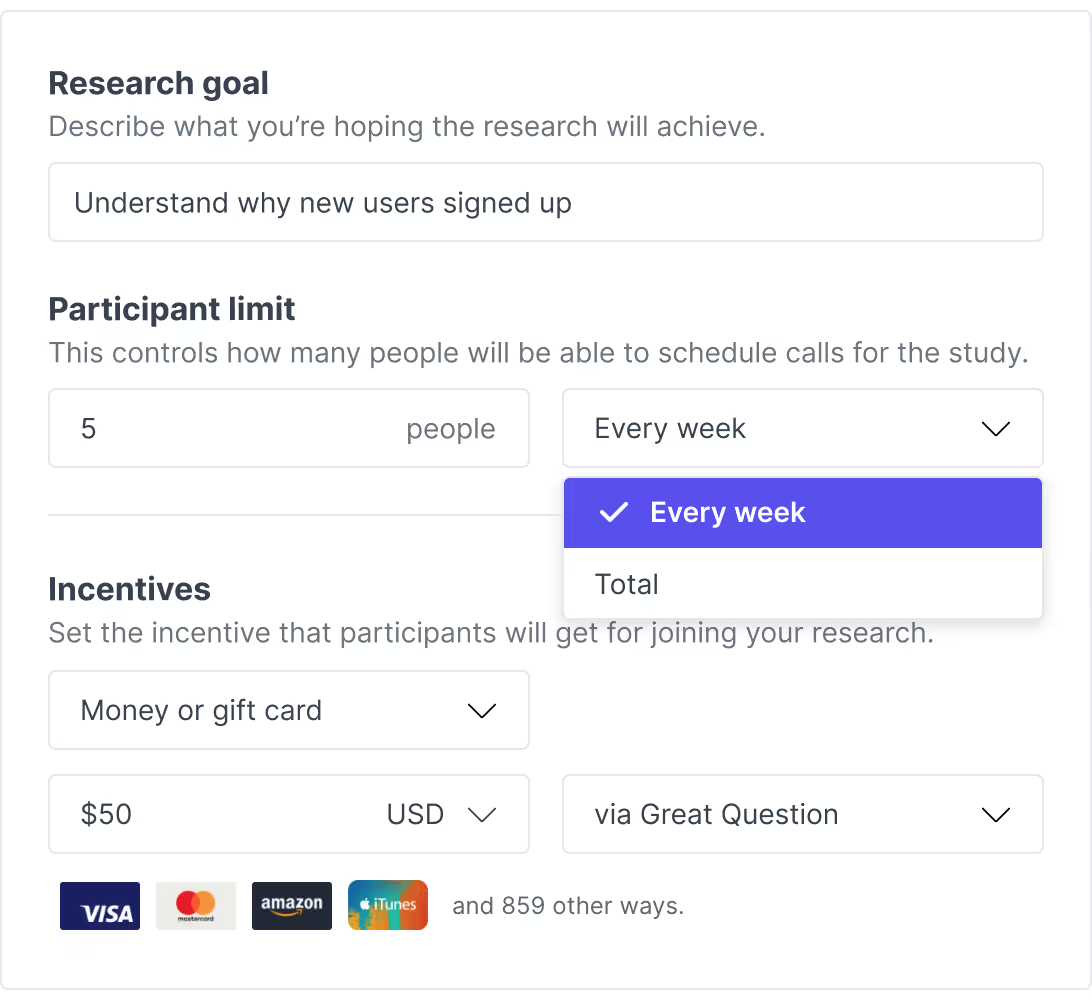
Set a participant limit & incentive amount
Control how many participants can schedule calls per week or in total. Then fund your study once upfront or on a continuous basis.
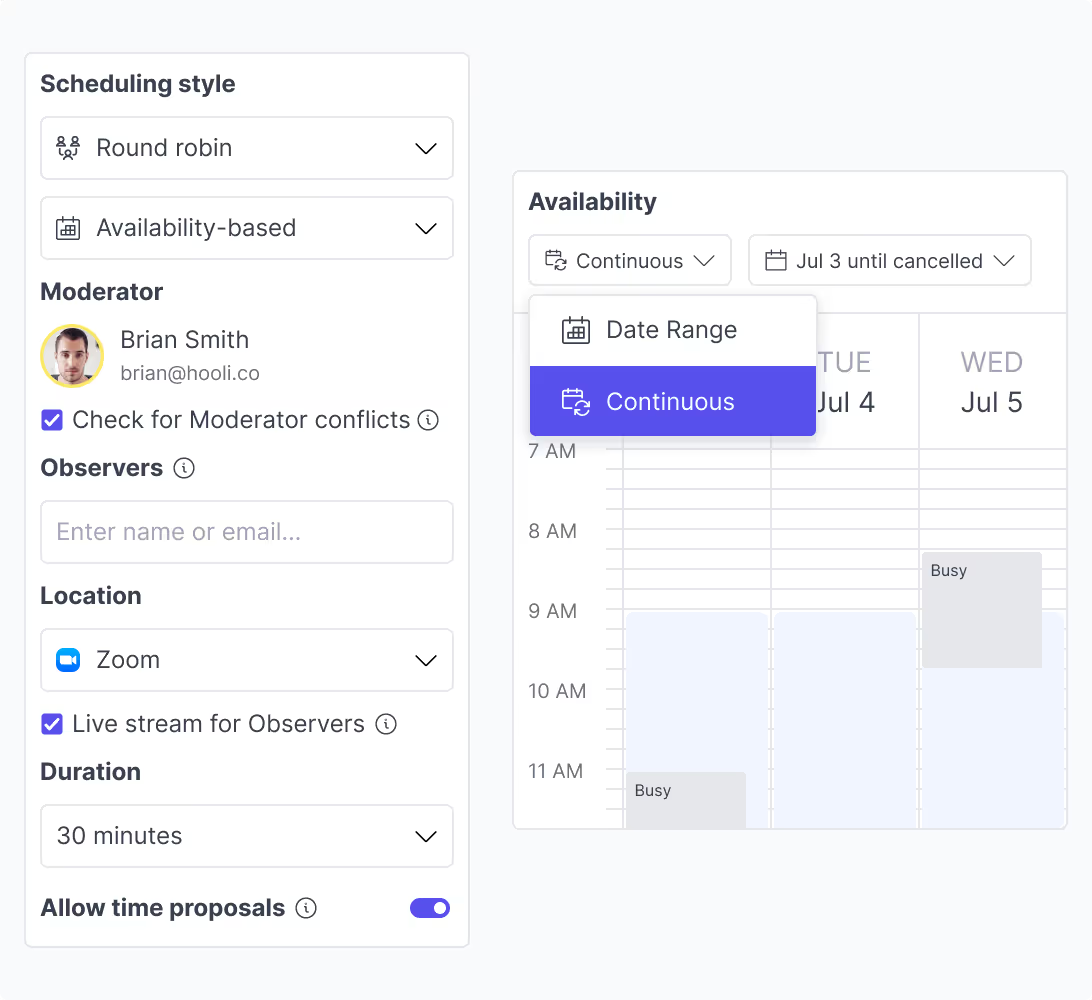
Customize your calendar & automate scheduling
Select a date range or continuous availability for participants to book calls, and enable round robin scheduling and time proposals if needed.
Great Question vs. other tools
While most tools rely on workarounds to run continuous discovery, Great Question has features purpose-built for it. With continuous invites and availability, you can set-and-forget recruitment and scheduling.
Company | Recruitment & scheduling | Continuous invites | Continuous availability |
|---|---|---|---|
| Great Question | |||
| User Interviews | |||
| Dovetail | |||
| Lookback | |||
| Maze |
Get started